By default, your Radio Manager is displayed in the language you selected when you set up your account. The available languages are French, English, German, and Spanish.
We recommend following these steps if your Radio Manager is not displayed in your preferred language, or if you receive emails or communications from RadioKing in a language that is not your own.
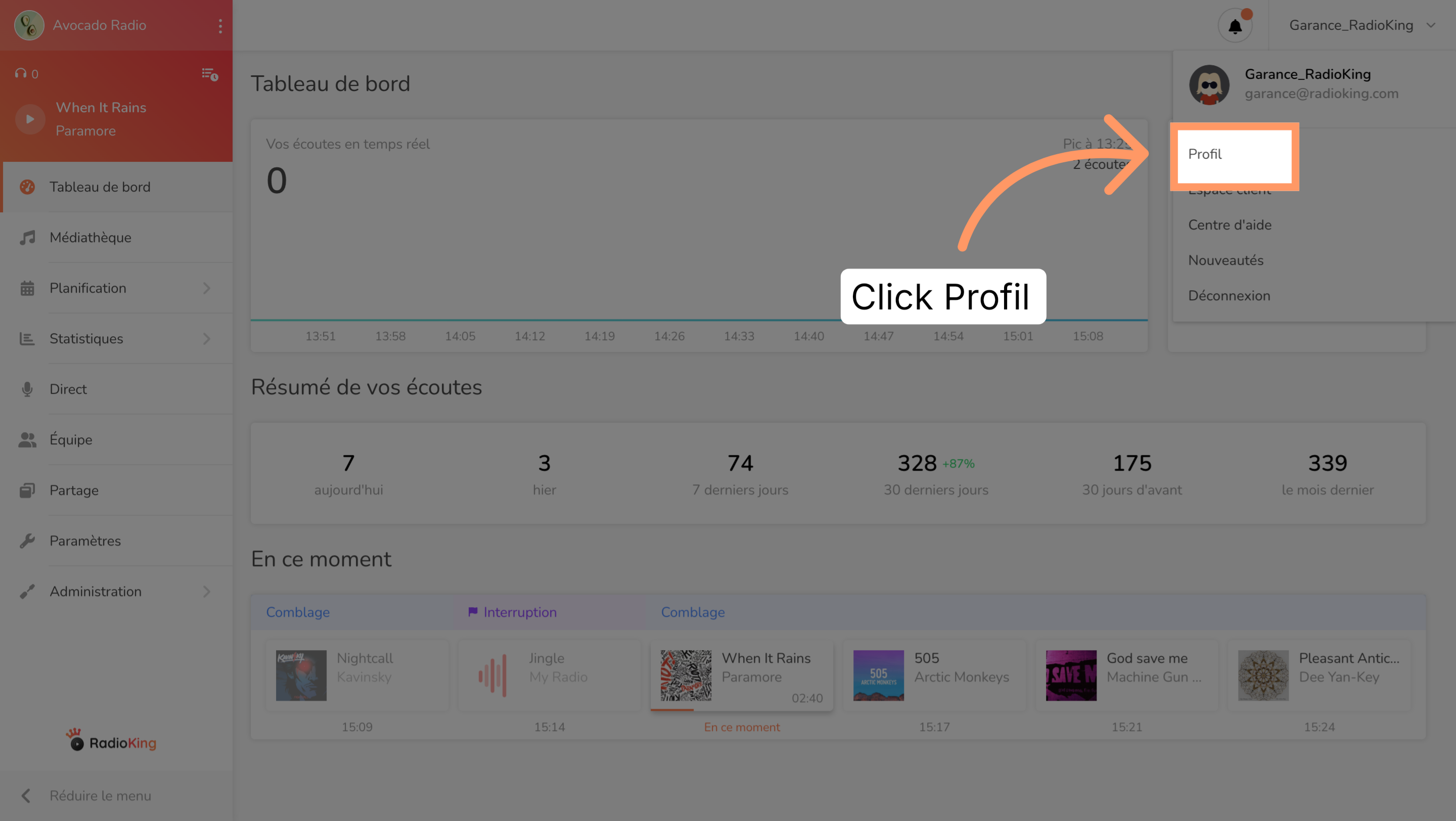
To change the language of your Radio Manager, you need to change your account's default language. To do so, go to the Profile tab.
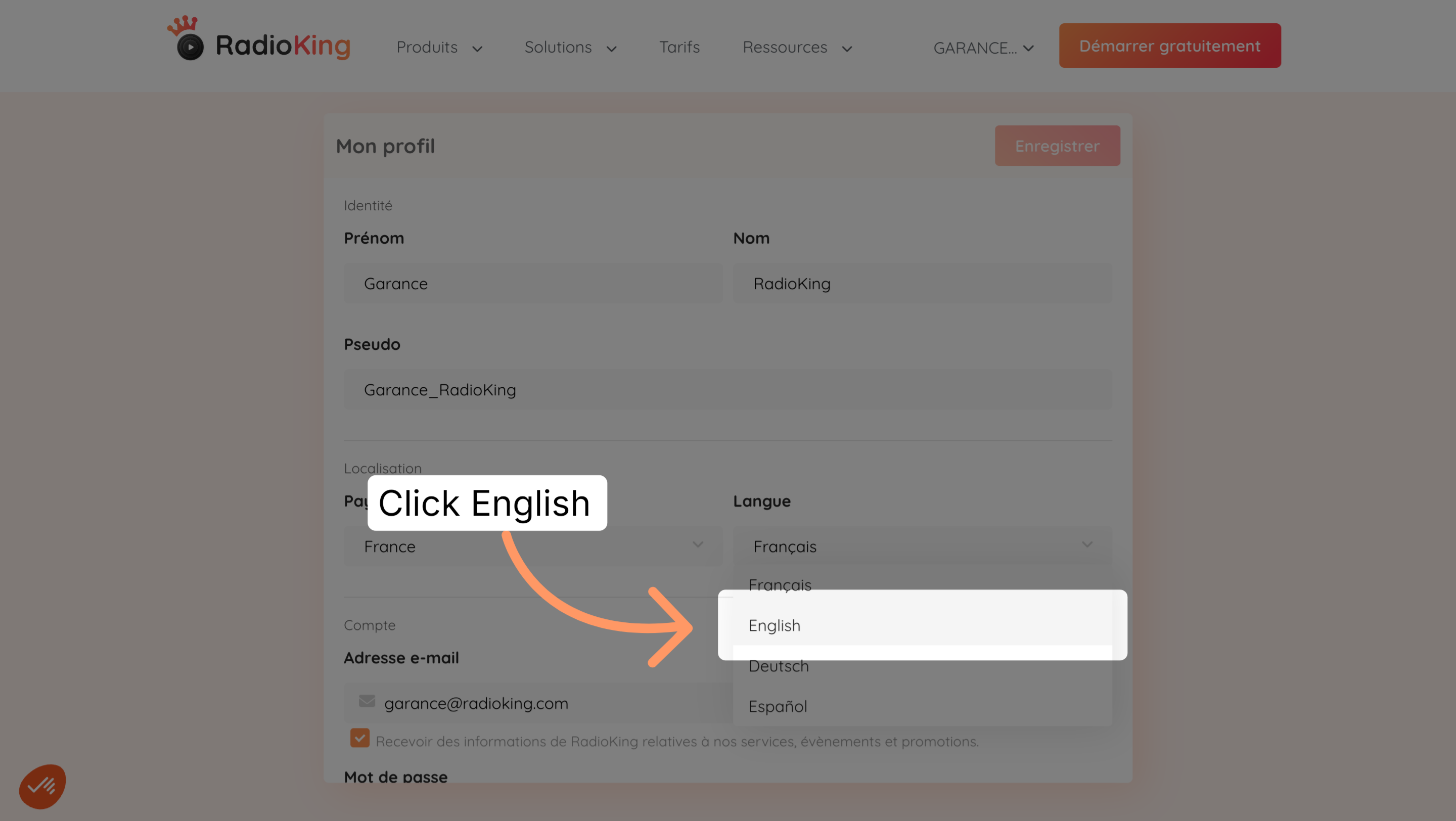
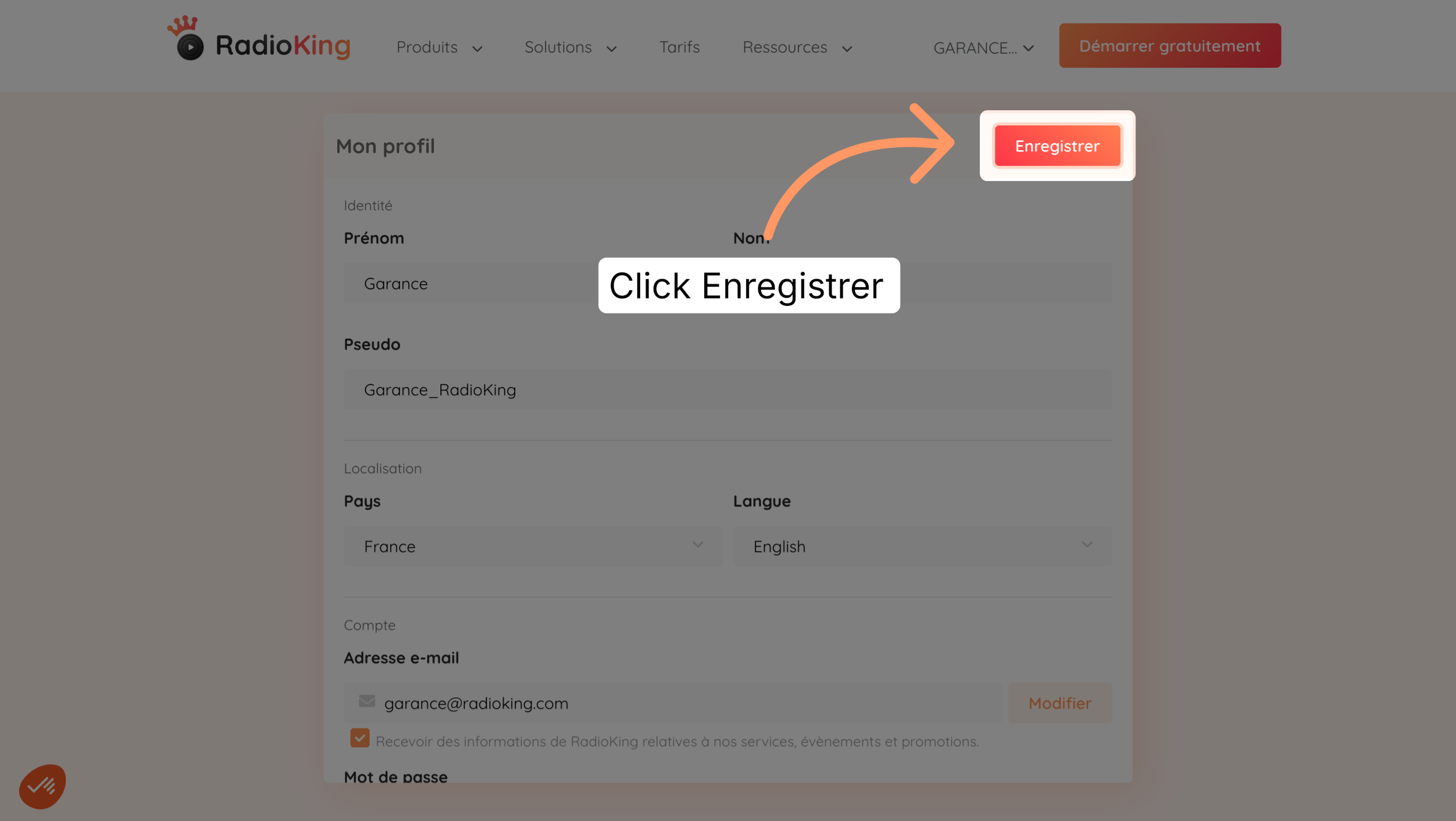
Change the language in the dedicated section: Language. Then select your preferred language to set up the interface in that language.
Please note: don't confuse this with the language of your radio! The language that appears in your Radio Manager settings is the language that corresponds to the location of your radio. It simply indicates whether you have a French, English or other country radio. Changing the language in Radio Manager settings doesn't change the language of your interface!